A lot of my readers use Pinterest to get traffic for their blogs, me included.
It’s currently my number 1 traffic source and it works so beautifully for us bloggers because it brings in traffic month after month.
But for the longest time, I thought Pinterest was just a pretty mood board for cottagecore outfits, vegan cupcakes, and watercolor activities.
But when I started blogging seriously, I kept hearing these Pinterest success stories like:
“I get 100K blog visitors a month thanks to one viral pin!”
So I doubled down.
I tried to become one with the algorithm.
I read all the Pinterest blog posts. I watched all the Pinterest YouTube videos.
And I started using PinClicks (this was my biggest life-saver).
Some things work in 2026, and unfortunately, some strategies no longer bring results.
And that’s what today’s post is about!
I want to cover tips that actually work in 2026.
Some links in this post are affiliate links. If you choose to use them, I may earn a small commission at no extra cost to you. This helps me run this blog without ads, keep content free, and continue spoiling my very opinionated dogs, who believe all internet income should be converted into snacks.
1. I kept writing new posts (instead of creating more pins)
It’s not a myth that Pinterest loves new pins.
But you don’t have to keep creating and writing new posts every day. Every 4 posts or so, you can go back a few months in your blog archive and see posts that did really well.
Breathe new life into them. Either re-publish them on WordPress or write a similar post by changing the title and modifying the text.
Then simply create new pins for that post.
That’s all.
You can do this in 15-20 minutes tops.
Pinterest doesn’t mind old content, but it certainly wants new pins!
So, if a particular topic works, keep recycling it so that you can regurgitate content onto Pinterest.
Work smart, not hard.
2. I Ignored My Outbound clicks. Big Mistake. Huge.
I used to obsess over impressions. “OMG! This pin has 78K impressions!”
But did anyone click on it?
No.
Not a soul. Not even my dog.
It finally clicked (ha) when I realized: Pinterest doesn’t pay you in impressions. It rewards you in Clicks.

If nobody’s clicking your pin, Pinterest is gonna stop showing it. And your blog is gonna sit there like a forgotten diary.
So I went into my high impressions pins and studied them: If people are clicking on the pin but don’t want to visit the website, the reason usually is:
- The pin design is nice, but the title isn’t interesting
- The pin is an idea that people prefer saving to their boards but don’t want to click on it.
- The pin is giving away too much information, so there is no need to visit the website and waste the click
- Pinterest has removed the “Visit Website” button (you can’t solve this)
So, think about intent when you’re designing pins. Make them clickbaity.
-
“11 Signs He’s Fighting His Feelings for You.”
-
“Cute Mid-Length Haircuts for Round Faces”
-
“If I Were to Build an Audience from Scratch – Here’s Exactly What I’d Do”
They are oddly clickbaity. And they get results.
Moral of the story: Your pins don’t need to be the prettiest. They need to make people go: “Wait, I need to read this real quick.”
3. I Wasn’t Using the Right Keywords
You can spend a lot of time guessing what is going to take off, or you can use a Keyword tool.
I have 1 subscription to this tool that I use for all my websites. And you can read my full-review of PinClicks here.
Okay, so let’s talk keywords – the secret herbs and spices of Pinterest.
Don’t use keywords like
-
“self care”
-
“hairstyles”
-
“money tips”
Which is like whispering “hello?” in a stadium full of people yelling the same thing.
Here’s what I did (and still do, religiously):
-
Go to Pinterest. Type your main topic.
Let’s say: “Hairstyles for…” -
Look at the autofill suggestions. Those are EXACT search terms people use.
Example: “hairstyles for round faces,” “hairstyles for office,” “hairstyles for thin hair over 40” -
Pick the ones with intent. The long-tail ones.
-
Continue to do your research in PinClicks to find out whether the volume is good and see the top pins to understand what people want. I explain how to do that here.
Pro tip: When you post a pin that actually gets clicks, go find out what keywords that pin is ranking for. Then use those keywords again. In the title.
In the pin description.
Everywhere.
This is how you tell Pinterest what your pin is about and what annotations Pinterest needs to assign to the pin.
4. I Wasn’t Consistent (Pinterest Is a Slow-Burn Romance)
This is something I’ve learned with time.
Consistency pays off.
Pinterest isn’t like TikTok or Reels.
You can’t just show up, post once, and expect a parade.
The moment I started posting every day, things changed.
Not overnight, maybe, but gradually, like a cat deciding you’re worthy enough.
Here’s what I started doing:
-
3-4 fresh pins per post (schedule them weekly)
-
Posted daily (via Pinterest’s native scheduler)
-
Mixed things up with different titles and angles for the same blog post
-
Kept doing this even when the numbers were low
It can take anywhere between 2 weeks to 6 months for the pin to take off. But you have to be patient.
One pin will go viral.
Then another.
Now, traffic from Pinterest is my blog’s BFF.
5. Be smart with your Boards
I create a new board every 1-2 weeks. I don’t try to be smart with the names.
Let’s say I write a tofu scramble recipe.
I am going to pin it to 4 boards, which will be named:
- Vegan Recipes
- Easy Breakfast Recipes
- 30 Minute Dishes
And I’ll create a new board called “Vegetarian Breakfast Ideas”
The key is to name boards according to what ordinary or normal people name their Pinterest boards. This is how Pinterest is able to guess what your pin is about. And it fits into your Pinterest SEO beautifully.
This helps your pin get an audience quickly and helps you get more clicks + more traffic.
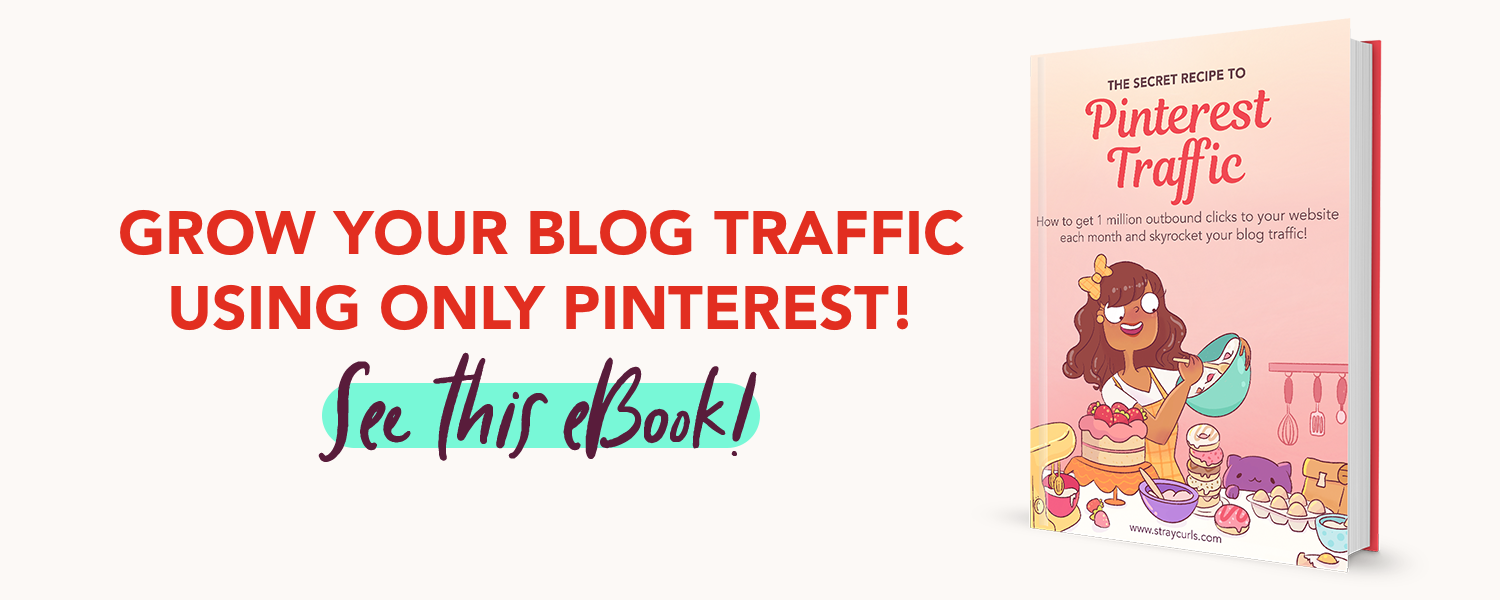
If you’re enjoying this slice of a post, why not buy the whole pizza? My Pinterest Traffic eBook goes in-depth in teaching how to gain traffic from Pinterest and make a full-time income from Pinterest alone.
6. I Tried to Be Perfect Instead of Just Being Helpful
Wanna know how many “perfect” pins got me 0 clicks?
A lot.
This is something not a lot of creators share.
Not every pin will get you clicks and saves. It’s normal to have pins that get 0 traffic.
That’s why you have to focus on quantity too!
And don’t try to make every pin perfect.
I’ve noticed that some of my ugly pins also get clicks!
Because they had helpful titles that made people go:
“Yes, THAT. I need that.”
Once I stopped obsessing over fonts and leaned into being emotionally useful, things turned around.
Your pins need to answer one question:
“Why should someone click this?”
If the answer is just “because it’s pretty,” that’s not enough.
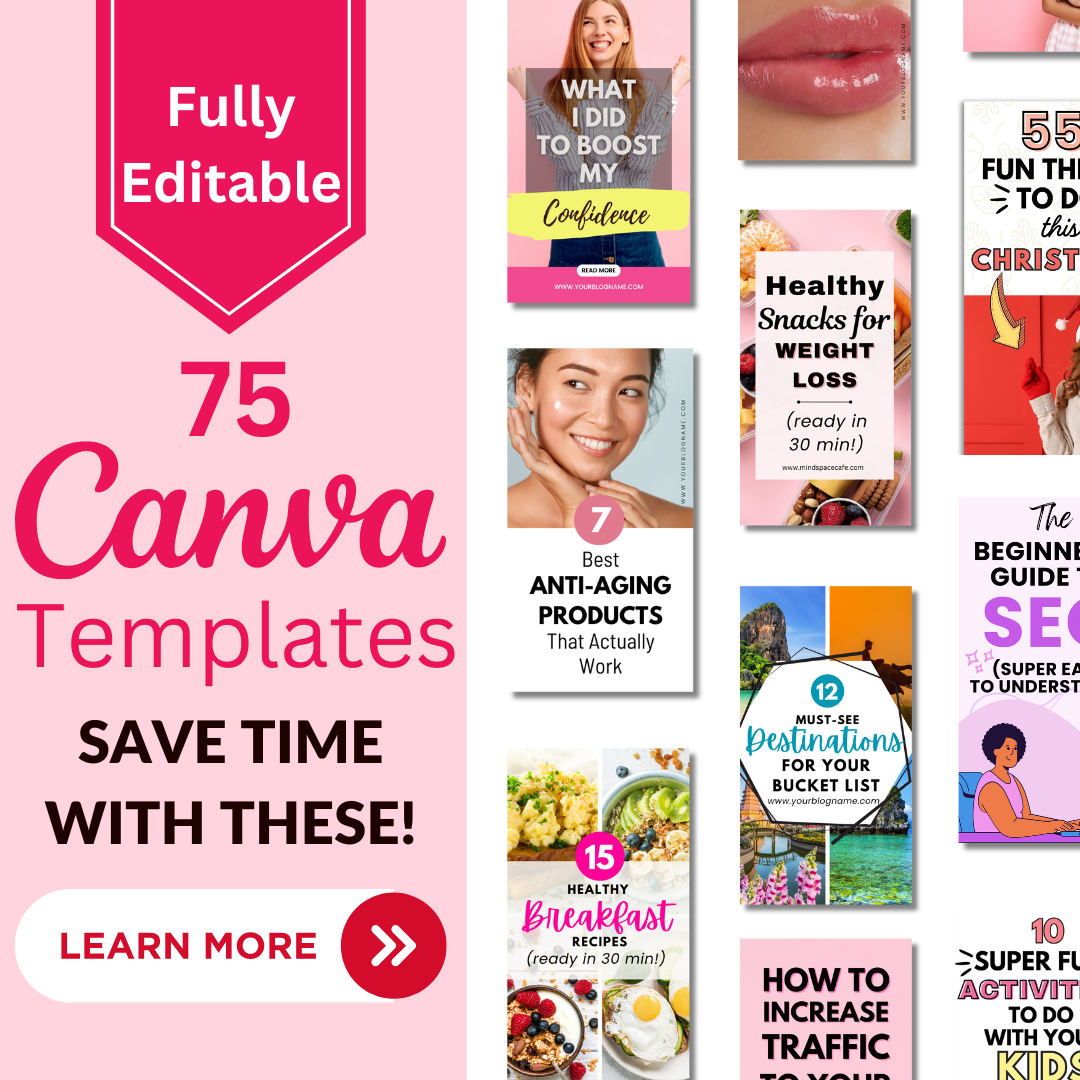
If you’re tired of constantly designing pins because you focus your time on blog posts, then get my 75 Canva pin designs – these are my best pin templates that get clicks (I use these on all my websites!)
7. Plan seasonal content well ahead of time
Most bloggers (sometimes me) plan seasonal content when the season has already started. Or worse, when it’s almost over.
Pinterest doesn’t work like that.
Pinterest users are planners.
They’re thinking weeks (sometimes months) ahead. When someone searches for fall outfits, Christmas recipes, or back-to-school routines, they’re usually planning — not reacting.
That means if your content goes live at the start of the season, you’re already late.
What actually works is publishing seasonal content 6–8 weeks early. Sometimes even earlier for big moments like Christmas, New Year’s goals, weddings, or summer travel.
For example:
-
Fall content performs best when it’s published in late summer

-
Christmas content starts picking up in October
-
New Year/goal content should be live by early December
-
Spring content often needs to be out while it’s still technically winter
This early window gives Pinterest time to:
-
Index your content
-
Test your pins
-
Understand who to show them to
By the time everyone else starts posting seasonal content, yours already has momentum.
The easiest way to do this without stress is to plan seasons in batches.
Instead of thinking week by week, think in blocks:
-
Pick one season
-
List all the posts you want to create for it
-
Write them over a short period
-
Then, schedule pins slowly over time
You don’t need dozens of posts. Even 3–5 strong seasonal posts, paired with multiple pin designs, can perform incredibly well year after year.
Also, seasonal content compounds.
Once it’s written, it doesn’t disappear. You can:
-
Reuse it next year
-
Refresh it slightly
-
Create new pin designs for it
-
Resurface it every season
That’s how Pinterest becomes easier over time.
You stop chasing trends and start building a library of content that shows up exactly when people are looking for it.
So, What Finally Worked?
Let me sum it up like a cozy Pinterest checklist:
✅ I stopped writing more posts and instead focused on creating more pins per post.
✅ I tracked Outbound Clicks like a hawk
✅ I researched keywords like a detective
✅ I posted consistently, not just when I felt like it
✅ I created multiple pin versions for every blog post
✅ I stopped trying to be aesthetic and started being useful + click-worthy
✅ I planned my seasonal content well in advance.
And slowly, Pinterest stopped being a confusing mystery and started bringing me consistent traffic to all my blogs.
Final Thoughts (aka your loving nudge)
If you’re still stuck in the Pinterest hamster wheel, please don’t give up.
Your people are out there. They’re literally searching for what you’ve created.
You just have to show up, keyword smart, click-worthy, and consistent.
And one day, your Pinterest traffic will pop off when you least expect it.
If you’re struggling to make Pinterest work for you, please get my eBook. I go into detail and explain everything you need to know to get Pinterest traffic to your blog!
It has helped loads of bloggers or beginner bloggers who are planning to start blogs get traffic and make money sitting at home!
Here are a few more posts you may enjoy:
- How to Make your First Amazon Affiliate Sale (in 24 Hours)
- How Pinterest is making me over $3K a month (just 1 website)
- How to find Pinterest Keywords and Skyrocket your Blog Traffic
- How to use PinClick to create a viral Pin





Leave A Comment